event 01·auto
iMessage screenshot maker
Ten dollars, ten posts, agent run.
You fund the balance; your agent writes, previews and exports from $1 a screen.
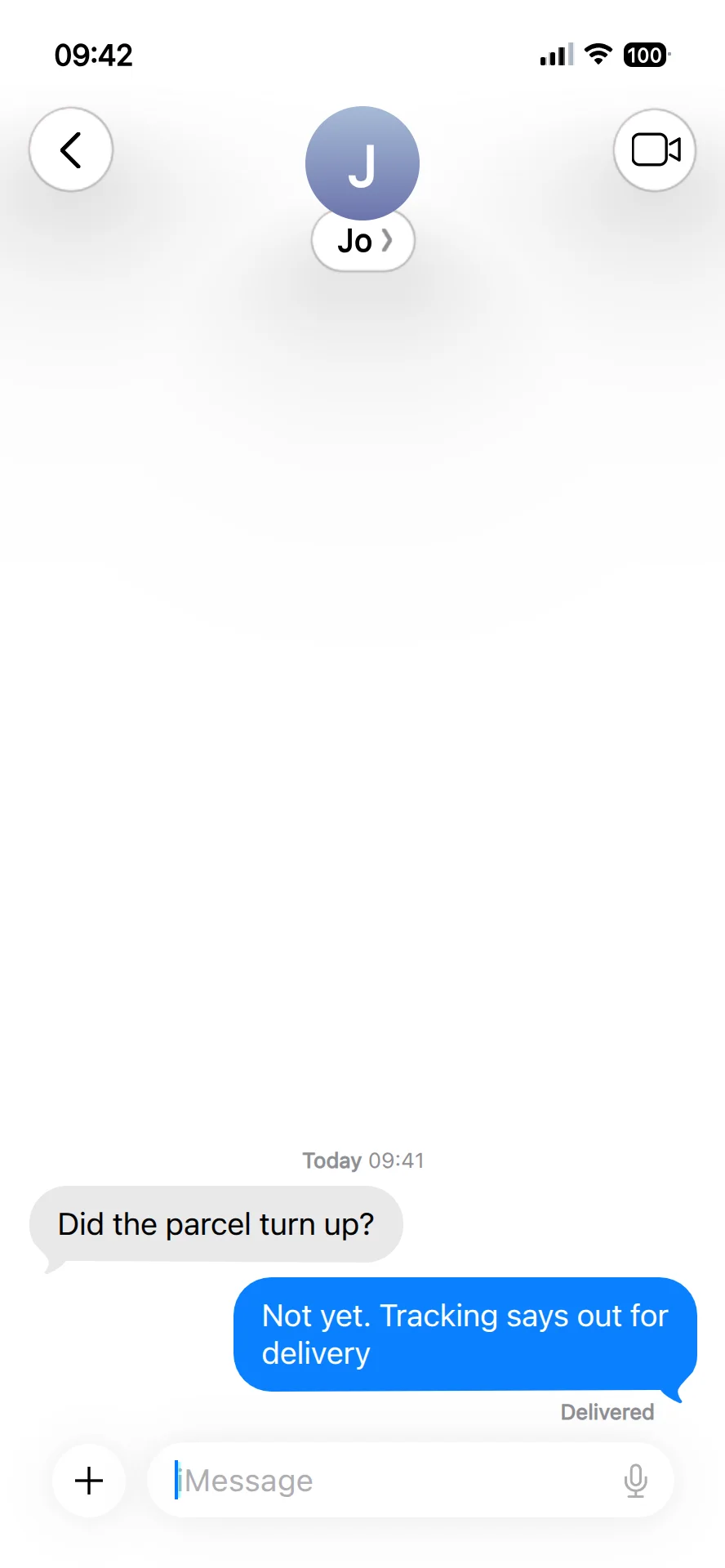
09:42 ·Sent
Delivered
Delivered
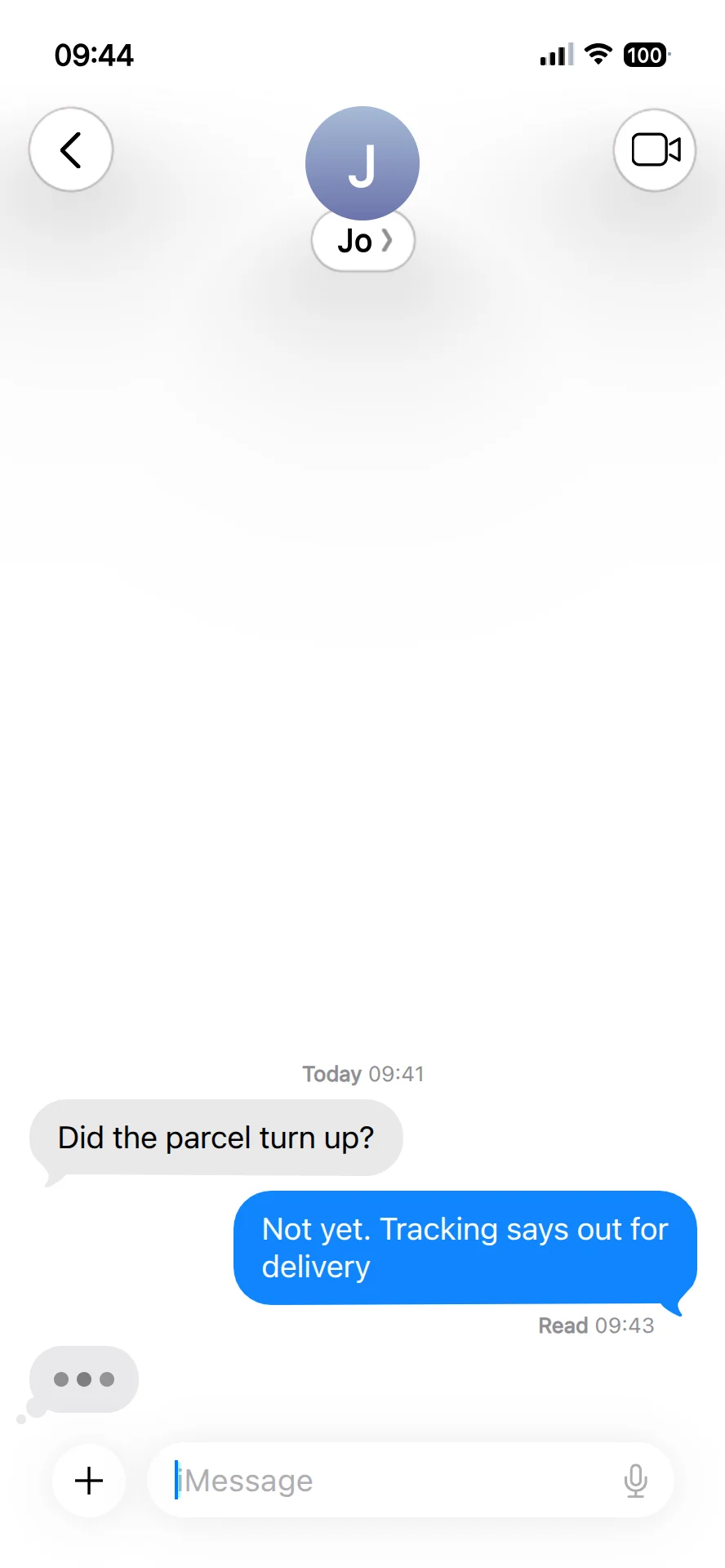
09:44 ·Two minutes on
Read 09:43
Read 09:43
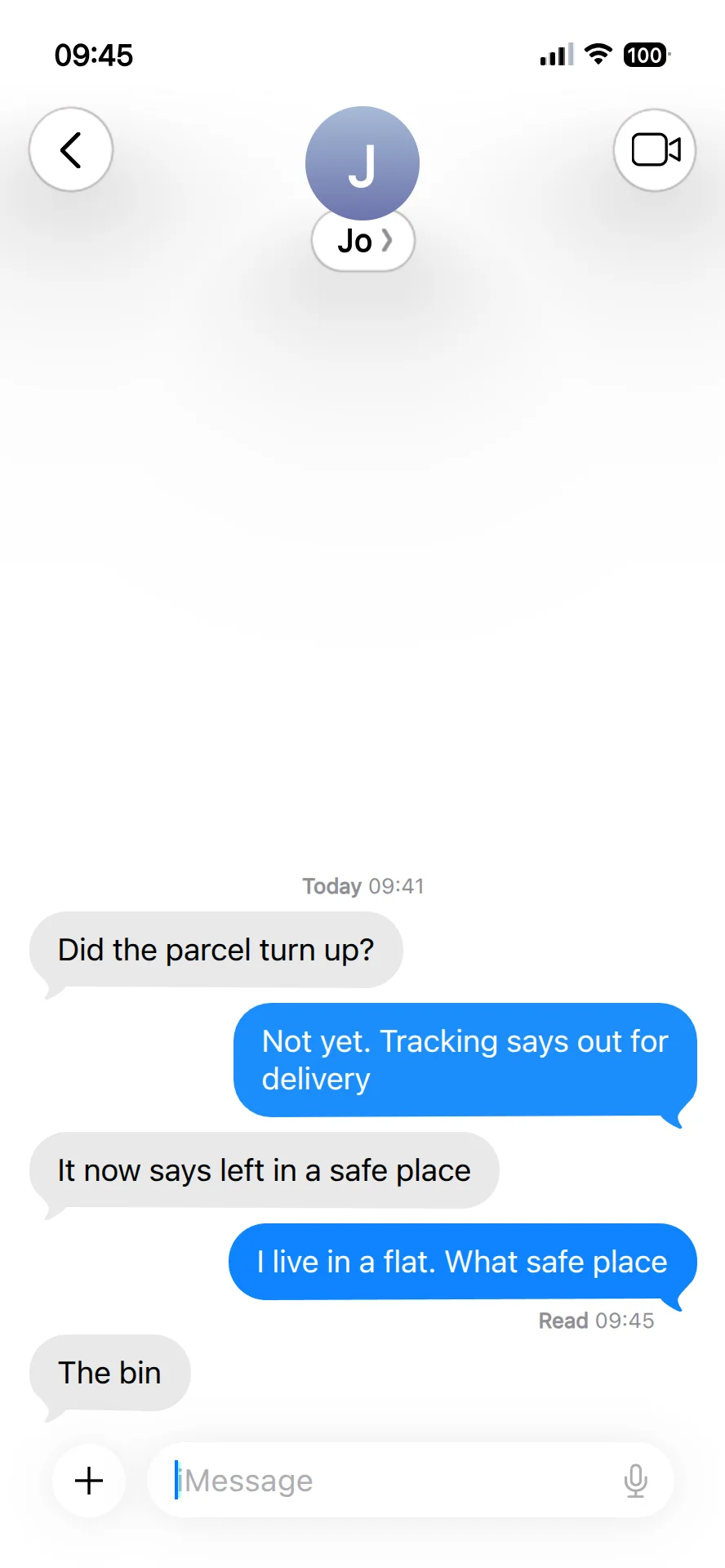
09:45 ·Reply
The bin
The bin
How it works
One timeline, many consistent screenshots.
- 01
One timeline
Write the conversation once, as events with times. Sends, receives, reads and typing.
- 02
Any number of screenshots
A screenshot is a question: how did the thread look at this instant? Each answer is an image.
- 03
Everything agrees
Clocks, receipts, dividers and typing dots move on their own between screenshots. Nothing is pasted in.
People use the editor below. Agents send the same JSON to the API. Read the agent API guide.
The input behind the three images above
{
  "settings": { "contact": { "firstName": "Jo" }, "startAt": "2026-05-01T09:41:00" },
  "events": [
    { "type": "receive", "content": { "kind": "text", "text": "Did the parcel turn up?" } },
    { "type": "send", "at": "+40s", "content": { "kind": "text", "text": "Not yet. Tracking says out for delivery" } },
    { "type": "read", "at": "+2m10s" },
    { "type": "typing", "at": "+5s" },
    { "type": "receive", "at": "+25s", "content": { "kind": "text", "text": "It now says left in a safe place" } },
    { "type": "send", "at": "+15s", "content": { "kind": "text", "text": "I live in a flat. What safe place" } },
    { "type": "read", "at": "+50s" },
    { "type": "receive", "at": "+20s", "content": { "kind": "text", "text": "The bin" } }
  ],
  "snapshots": [
    { "name": "delivered", "at": "2026-05-01T09:42:00" },
    { "name": "read", "at": "2026-05-01T09:44:10" },
    { "name": "reply", "at": "end" }
  ]
}
Editor
Try it with your own thread
Edit the thread, add events and screenshots, and watch the preview follow.
Your thread
Unsaved changes
Fill in at least one. The header shows the nickname, else the first name, else the last name, else the phone number.
Timeline
Messages and events
-
- event 02·+2m
Output
Screenshots
- screenshot 01